Halo › Compare
Halo vs Droppy
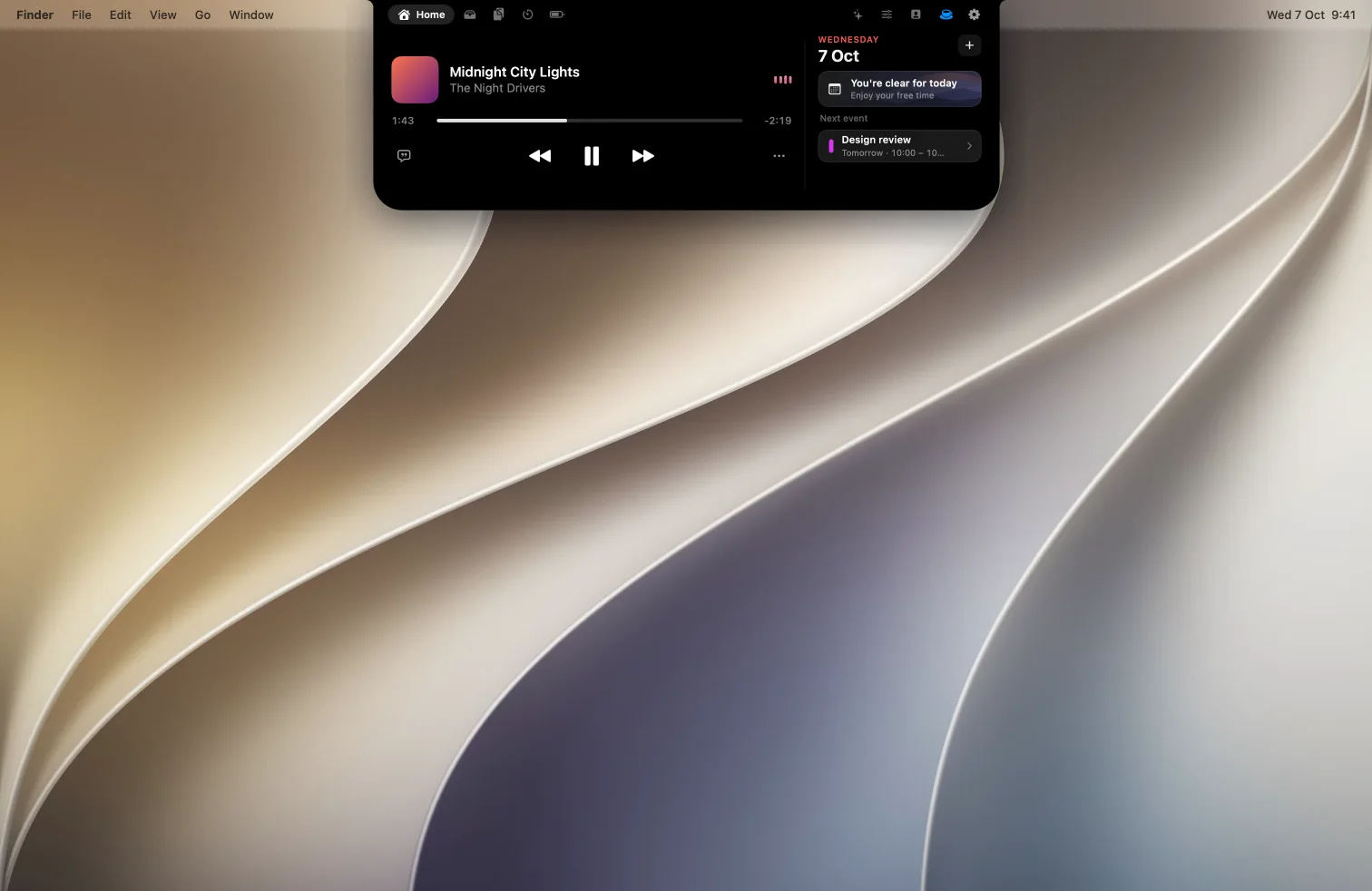
Two $9.99 Dynamic Island apps for the Mac that overlap more than most: both do music with lyrics, dictation, AI agent status and meetings, on Macs with or without a notch. Here's where they differ.
The short answer
Pick Halo if…
you want banners from any app in the notch, your external monitor's brightness, contrast and input under your keys, or one license for 3 Macs.
Pick Droppy if…
you move a lot of files (convert, compress, share links), want a library of extensions, are on macOS 14, or want to try before you buy.
Side by side
| Halo | Droppy | |
|---|---|---|
| Price | $9.99 one-time | $9.99 one-time, lower in many countries |
| Macs per license | Up to 3 | Up to 2 |
| Free trial | No | Yes, 3 days |
| Refunds | Not listed | Full refund within 14 days |
| Requirements | macOS 15 or later, Apple silicon and Intel | macOS 14 or later |
| Works on Macs without a notch | Yes | Yes |
| Notifications from any app | Yes, with a switch for each app | A notifications extension; which apps it covers isn't listed |
| Now playing with synced lyrics | Yes | Yes, line by line or word by word |
| Dictation | Yes: hold Fn and talk | Yes, on-device speech to text |
| AI agent status | Claude Code, Codex and Cursor, plus usage limits | Claude, Codex, Cursor and Antigravity, plus usage limits |
| Calendar with one-click Join | Zoom, Meet, Teams, Webex and FaceTime | Zoom, Teams, Meet, WhatsApp and Telegram |
| External monitor brightness, contrast and input (DDC/CI) | Yes | Not listed |
| File shelf | Yes, with AirDrop | Yes, with zip, convert, compress and share links |
| Clipboard history | Yes | Yes |
| Extensions | No | 41 free extensions |
"Not listed" means we couldn't find it on Droppy's site, not that it's definitely missing. If something here is wrong, tell me and I'll fix it.
Where Halo is different
Notifications from any app
Halo puts the banner from any app in the notch, where you're already looking, and macOS's own banner in the corner steps aside. Each app gets its own switch. How that works.
External monitors, properly
Halo talks to your monitor over DDC/CI, so its brightness keys change the real backlight, and the Controls tab adds contrast and input switching. This needs Apple silicon and a monitor that supports DDC/CI. More on how that works.
Three Macs per license
The price is the same, but Halo's license covers 3 Macs, Droppy's covers 2.
Where Droppy is ahead
Droppy is the stronger pick for files: its tray can zip, convert and compress, and Droppy Cloud makes share links that expire after three days. It has 41 free extensions, runs on macOS 14, sets lower prices in many countries, and lets you try every feature for 3 days with a 14-day refund after that. Halo has no trial.
Weighing more than these two? See the best Dynamic Island apps for Mac, seven compared side by side.
Questions
Is Halo a good Droppy alternative?
Yes, if you want notifications from any app in the notch, control of an external monitor's brightness, contrast and input, or a license for 3 Macs instead of 2. Droppy has more file tools, 41 extensions, a 3-day trial and a 14-day refund.
Which is cheaper, Halo or Droppy?
Both are $9.99 one-time. Droppy sets lower prices in many countries and covers 2 Macs; Halo's license covers 3 Macs.
Do both work without a notch?
Yes. Both draw an island at the top of iMacs, older MacBooks and external monitors.
Do both show Claude Code status?
Yes. Halo shows Claude Code, Codex and Cursor sessions; Droppy's Agents extension follows Claude, Codex, Cursor and Antigravity. Both show usage limits.
Can I use both?
You can, but only one island should own the notch at a time. Quit one before trying the other.
Sources: Droppy's site and Halo's site.

Try Halo
Dynamic Island for your Mac, notch or not. $9.99 one-time, no subscription.
Buy Halo