Halo › Compare
Halo vs Alcove
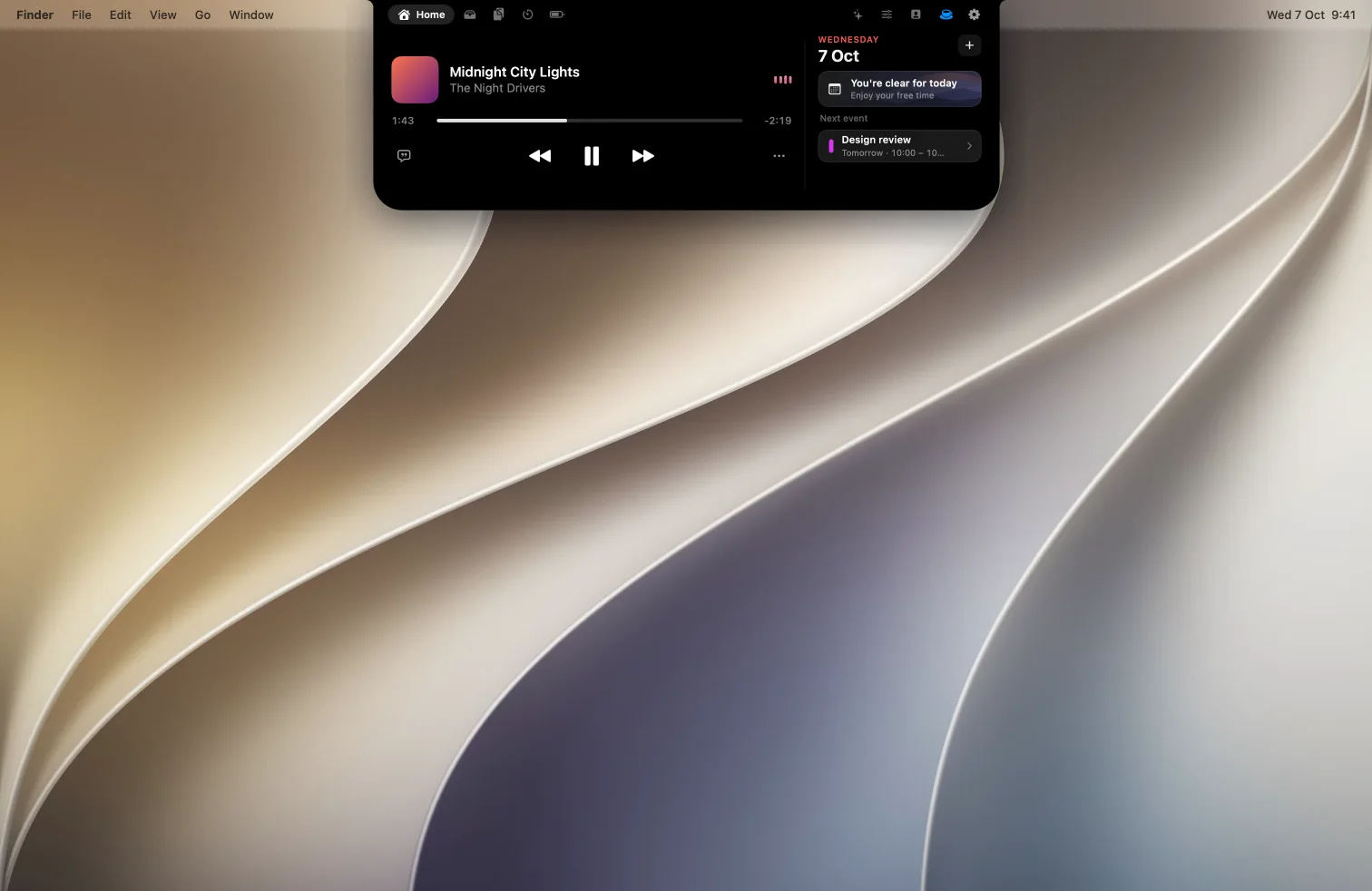
Two native Dynamic Island apps for the Mac. Alcove is polished and notification-first. Halo 2.0 shows notifications too, and adds dictation, live AI agent status and control of your external monitor.
The short answer
Pick Halo if…
you want dictation and your AI agents in the island too, work on an external or ultrawide monitor and want its brightness keys to work, or want the lower price.
Pick Alcove if…
you want lock screen widgets in the island, or a longer trial.
Side by side
| Halo | Alcove | |
|---|---|---|
| Price | $9.99 one-time | $14.99 one-time |
| Macs per license | Up to 3 | Up to 3 |
| Free trial | Yes, 3 days | Yes, 72 hours |
| Refunds | Not listed | Yes, within 14 days |
| Works on screens without a notch | Yes, draws an island sized from the menu bar | Not mentioned |
| External monitor brightness, contrast and input (DDC/CI) | Yes | Not mentioned |
| Notifications in the island | Yes | Yes |
| Lock screen | Now playing on the lock screen (beta) | Yes, lock screen widgets |
| Customizable HUDs | Volume and brightness HUDs | Yes |
| Synced lyrics | Yes | Not mentioned |
| Device batteries (Mac, AirPods, Bluetooth) | Yes | Not mentioned |
| Data collection | No account; optional anonymous usage counts | None, per its FAQ |
"Not mentioned" means Alcove's site and FAQ don't mention it, not that it's definitely missing. Found a mistake? Tell me on X and I'll correct it.
Where Halo is different
Every screen, not just the MacBook's
On a monitor without a notch, Halo draws an island sized from the menu bar, and its brightness keys set the monitor's real backlight over DDC/CI, with contrast and input switching in the Controls tab. How external monitor brightness works on a Mac.
Lyrics and batteries
Synced lyrics for the song that's playing, and a Batteries tab with your Mac, AirPods and Bluetooth devices.
Where Alcove is ahead
Alcove shows notifications in the island and has lock screen widgets, a free 72-hour trial, a 14-day refund window and a three-Mac license. Since 2.0, Halo shows notifications in the island too, with a switch for each app.
Questions
Is Halo a good Alcove alternative?
Yes, if you want a lower price or you use an external monitor, since Halo controls its brightness, contrast and input over DDC/CI. Both show notifications in the island; Alcove has lock screen widgets and a free 72-hour trial.
Which is cheaper, Halo or Alcove?
Halo is $9.99 one-time. Alcove is $14.99 one-time, for up to 3 Macs.
Does Alcove work on external monitors?
Alcove's site and FAQ don't mention external monitors or Macs without a notch. Halo draws an island on screens without one and controls the monitor itself.
Is there a trial?
Alcove offers a 72-hour trial and a 14-day refund. Halo is free for 3 days.
Sources: tryalcove.com, Alcove FAQs, and Halo's site.
Try Halo
Dynamic Island for your Mac, notch or not. $9.99 one-time, no subscription.
Buy Halo