What is DDC/CI, and should you turn it on?
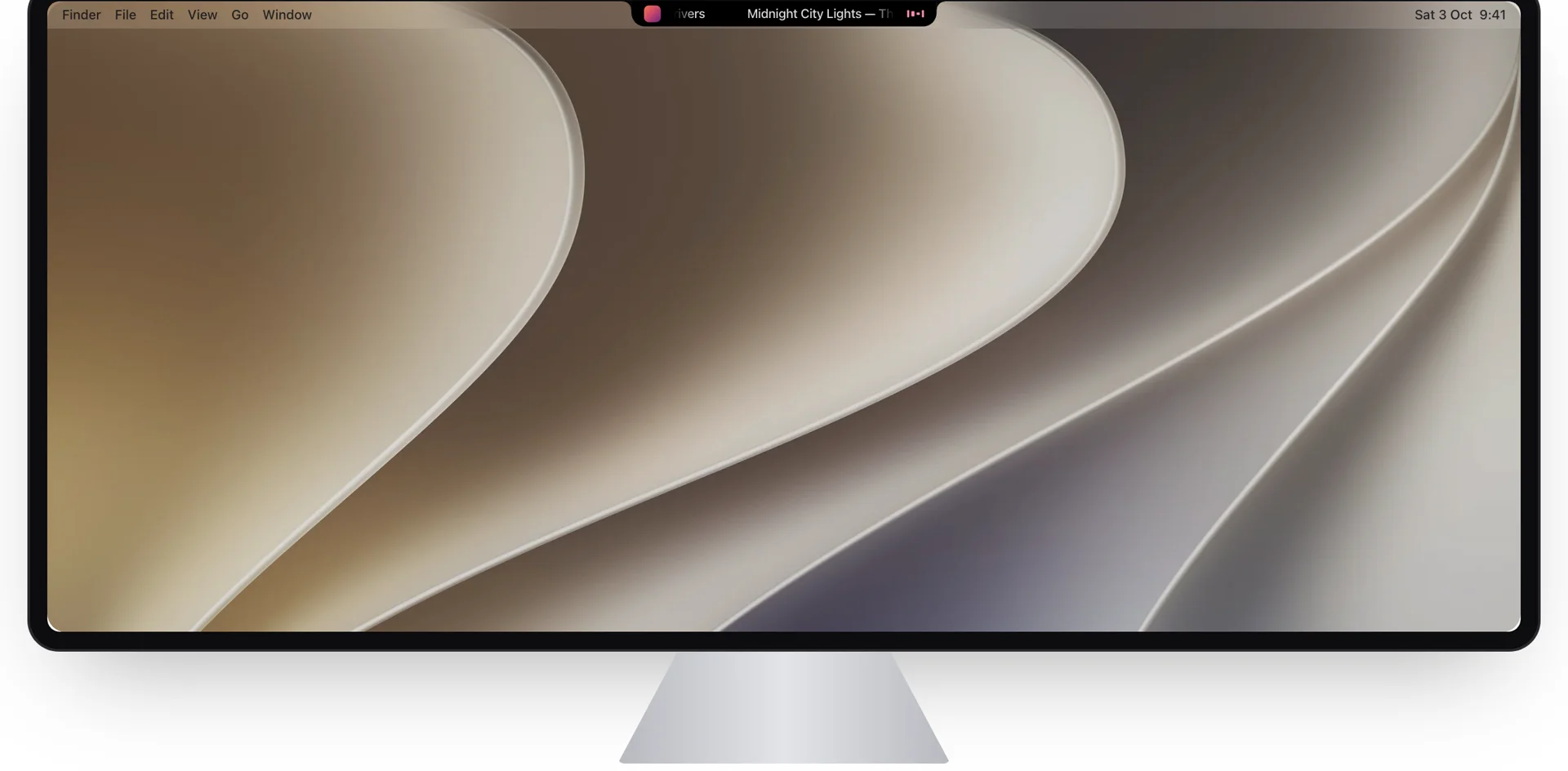
DDC/CI is the setting in your monitor's menu that most people switch off without knowing what it does. It's the reason a Mac app can dim a monitor's real backlight instead of putting a grey layer over the picture. Here's what it is, what actually travels over the cable, and how to use it on a Mac, from building it into Halo.
What DDC/CI means
DDC is the Display Data Channel, a small side channel that every HDMI, DisplayPort and USB-C video connection carries next to the picture. Your Mac already uses it to read the monitor's name and resolutions. CI, the Command Interface, is the part that lets the computer send commands back: set the brightness, read the contrast, switch the input. Both are VESA standards. The list of commands is a third one, MCCS (Monitor Control Command Set), which gives every setting a number called a VCP code.
In practice, DDC/CI means a computer can do anything you'd do with the monitor's own buttons, without the buttons.
The settings a Mac can change
| VCP code | Setting | Used by Halo |
|---|---|---|
0x10 | Brightness (luminance) | Yes, the brightness keys and slider |
0x12 | Contrast | Yes, the contrast slider |
0x60 | Input source | Yes: HDMI 1, HDMI 2, DisplayPort 1, DisplayPort 2 |
0x62 | Speaker volume | No |
Each setting has a current value and a maximum, usually 100. Input sources are numbers too: 0x0F and 0x10 for DisplayPort 1 and 2, 0x11 and 0x12 for HDMI 1 and 2. Some monitors use other numbers for the same ports.
What actually goes over the cable
DDC/CI messages are a few bytes on an I²C bus, the same simple bus chips use inside your Mac. The monitor listens at address 0x37. To set brightness to 50, Halo writes these seven bytes:
51 84 03 10 00 32 9A51 is the sender (the computer), 84 says four bytes follow, 03 means "set a setting", 10 is brightness, 00 32 is the value 50, and 9A is a checksum: every byte XORed together with the monitor's own address byte, 6E. Reading works the same way: send 51 82 01 10 AC ("get brightness"), wait, then read back a short reply that holds the current value and the maximum.
Writing that code taught me why DDC apps feel uneven from monitor to monitor:
- Monitors are slow. Halo waits 50 ms after asking before it reads the answer, and asks up to four times, because the first reply is often empty.
- Some ignore the first command after a pause. Halo sends every change twice, 10 ms apart.
- Many drop commands that come too fast. Holding a brightness key or dragging a slider makes dozens of changes a second. Halo keeps only the newest value and sends at most one every 25 ms, so the monitor lands on the level you stopped at instead of a garbled one.
Should you turn DDC/CI on?
Yes, if you want your Mac to control the monitor. Most monitors ship with it on; some have a DDC/CI switch in the on-screen menu, often under System or Setup, that has to be on before any app can change anything. Nothing about it changes the picture, and it doesn't send anything outside the cable between your Mac and the monitor.
The only reason to leave it off: if you don't want software to change the monitor's settings. With it on, any app with access can change brightness or switch the input, which on a shared desk can blank your screen. Halo asks for a second tap before it switches input for that reason.
DDC/CI on a Mac
macOS uses DDC to identify monitors but doesn't use DDC/CI to control them: the brightness keys only change the built-in screen and Apple's own displays. On other monitors you see the brightness HUD and nothing happens. Apps fill the gap. On Apple silicon they reach the monitor through a private part of macOS (IOAVService), which is also why none of these apps can be on the Mac App Store.
- Halo ($9.99 once): the brightness keys dim whichever monitor your cursor is on, with the level shown in the notch; contrast and input switching in its Controls tab. Apple silicon only.
- MonitorControl (free, open source): a menu bar app for brightness and volume, on Apple silicon and Intel.
- Lunar and BetterDisplay: deeper display tools with free and paid tiers.
- m1ddc (free, Terminal):
brew install m1ddc, thenm1ddc get luminanceorm1ddc set luminance 40. Handy for scripts, and a quick test of whether your monitor answers at all.
Ports that don't pass DDC/CI
- USB-C and DisplayPort are the most reliable.
- The built-in HDMI port of every M1 Mac (MacBook Pro, Mac mini, Mac Studio), the entry-level M2 Mac mini and the 2018 Intel Mac mini doesn't pass DDC/CI. Use a USB-C port instead.
- DisplayLink docks and adapters never pass it. Other hubs and adapters vary: if nothing changes, try a direct cable.
- TVs rarely support DDC/CI.
Questions
What is DDC/CI?
DDC/CI (Display Data Channel / Command Interface) is a VESA standard that lets a computer read and change a monitor's settings, such as brightness, contrast, volume and input source, over the same HDMI, DisplayPort or USB-C cable that carries the picture.
Should DDC/CI be on or off?
Turn it on if you want your computer to control the monitor's brightness, contrast or input. It doesn't change the picture. Leave it off only if you don't want any software changing the monitor's settings.
Does the Mac support DDC/CI?
macOS doesn't use DDC/CI to control third-party monitors, so the brightness keys do nothing on them. Apps such as Halo, MonitorControl, Lunar and BetterDisplay, or the m1ddc command, add it.
Does DDC/CI work over HDMI?
Usually, but not through the built-in HDMI port of M1 Macs, the entry-level M2 Mac mini or the 2018 Intel Mac mini. Use USB-C or DisplayPort on those. DisplayLink docks never pass DDC/CI.
Why does my monitor ignore brightness changes from my Mac?
Check that DDC/CI is on in the monitor's menu, try a direct USB-C or DisplayPort cable instead of a dock, and test with m1ddc get luminance. If the monitor never answers, it may not support DDC/CI, which is common on TVs.
More guides: External monitor brightness on a Mac · A Dynamic Island on an external monitor · All guides
Try Halo
Your monitor's real brightness on the brightness keys, plus music, notifications and AI agents in the notch. $9.99 one-time, no subscription.
Buy Halo